Fill your calendar. Keep your community.
A free page for your space that shows the gatherings held there, with the ticketing, seating and door tools to host them well.
Sign upFree ticketing on Seva. No monthly fees.
Made for the room
Your space, on the map
Your venue page shows your photos, your story and every upcoming event in your space, found by people searching near you.
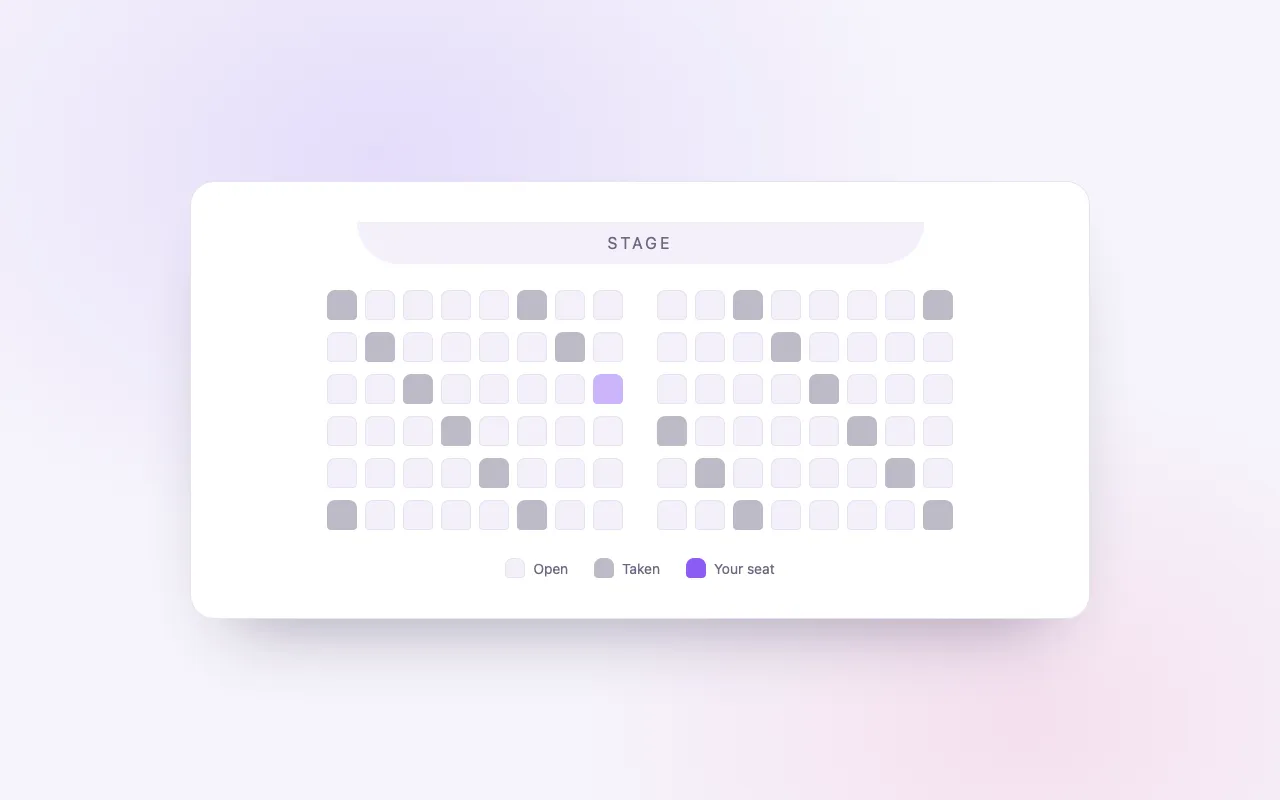
Seats that match the room
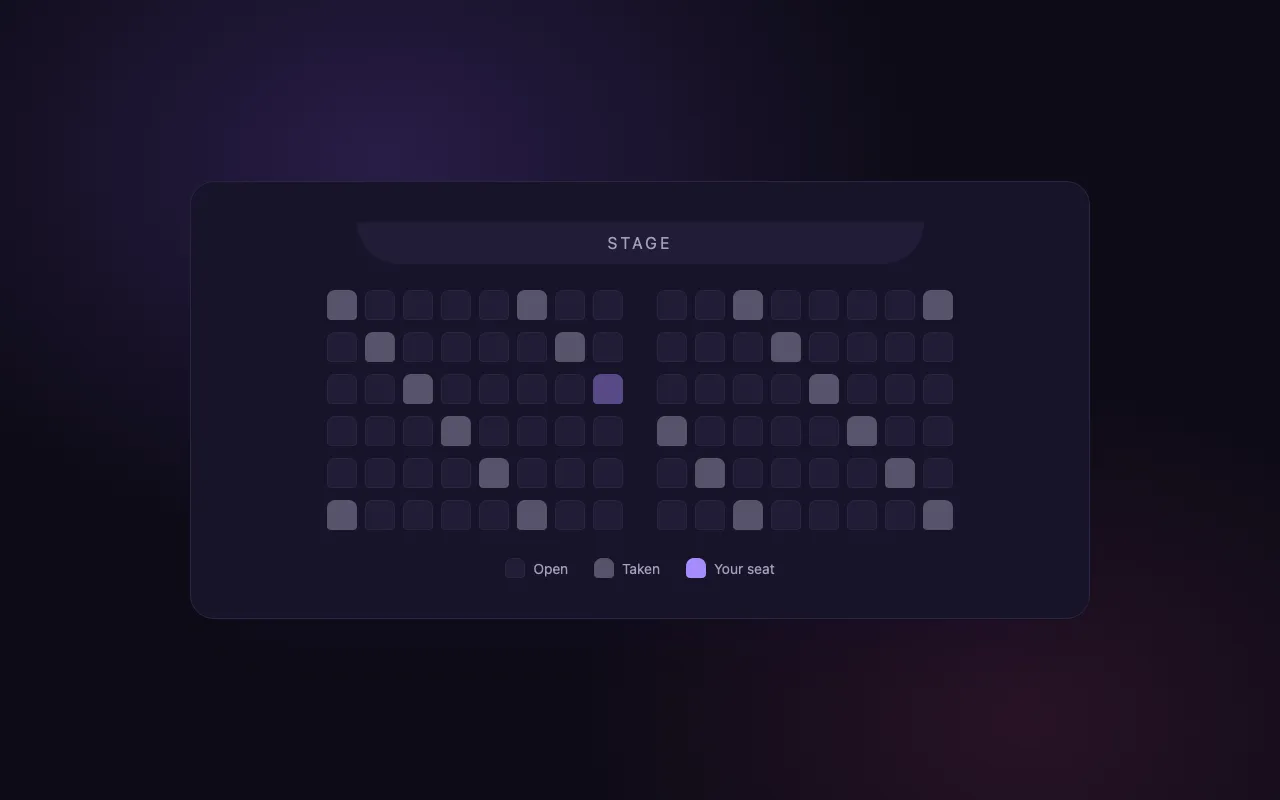
On Elevate, draw your real layout, rows, curves, tables or a temple floor, and let buyers pick their seat.
Host with your partners
Share an event with the teacher or artist renting your room, each with only the access you give them.
In their words
“BrightStar has been supporting my concerts since the very beginning of my career and played a pivotal role in growing my audience sizes. Their loyalty and dedication to both artists and event organizers is exemplary, as is their professionalism.”

Snatam KaurGrammy Nominee (Client Since 2005)
“For nearly two decades, Akal (owner of BrightStar) has been lending his skills and talents in support of the Bhakti movement. His platform uniquely serves our movement with authenticity and heart. The technology also rocks!”

Jai UttalGrammy Nominee (Client Since 2014)
“Not only does BrightStar offer a powerful software platform that has worked very well for my events, but their client support is the best. Their communication is personal, heart-centered, and always thoughtful.”

Peter KaterTwo-Time Grammy Winner (Client Since 2014)
Questions organizers ask
Is a venue page on BrightStar free?
Yes. A venue page costs nothing: your photos, description, address, links and the gatherings held in your space. There is no plan to buy for it.
Which events appear on my venue page?
Every published event set at your venue, whether you host it or a teacher, artist or organizer who rents your space does, each linked to its tickets.
Do you take a share of my room rental?
No. Rentals are agreed directly between you and the organizer. BrightStar is involved only in the ticket sales of events listed here.
Can buyers choose their seats?
On Elevate and Amplify, yes. Send us your floor plan and our team builds the seating chart for your room, with its sections priced; it can be reused for later events in the same space.
Can a teacher who rents my space run the tickets?
Yes. Either they host the event from their own account and choose your venue, or you host it and share it with them, with only the access you give.
Can my volunteers check people in?
Yes. Give each volunteer a free account with scan access only, and they check guests in from the BrightStar Organizer app or a phone’s browser, without your password.
What if my venue page is already listed?
Some spaces are listed because events have been held there. Search your venue’s name, claim the page for free and correct anything that is out of date.
Does it suit retreat centers with rooms?
Yes. On Elevate and Amplify, rooms and beds sell beside the tickets, with each room type holding its own inventory and price.
Can I run regular classes in my studio?
Yes. A weekly class is created once as a series, and the dates keep coming, each on sale and each editable on its own.
How do people near us find our gatherings?
Your events appear in BrightStar’s discovery pages by category and city and in the BrightStar app, and people who follow your venue see what is new in their BrightStar app and emails.
More about BrightStar for venues
Venues are where the community gathers
A yoga studio, a temple, a community hall, a retreat center in the hills: the space is often the steadiest thing in a conscious community. Teachers come and go, festivals move, but the room people return to holds it together. BrightStar gives that room a page of its own and the tools to host gatherings in it, whether you run the programme yourself or open your doors to the teachers and artists who rent it.
A venue page that tells the truth about your space
Your venue page holds your photos and description, your address and map, your links, and the gatherings held in your space, drawn from every published event that names your venue. Hosted by you or by someone who rents the room, each one is listed with a link to its tickets. People can follow your venue and see what is new in their BrightStar app and emails. If your space already appears because events were held there, claim the page for free and make it accurate.
Seating, rooms and the shape of your space
Not every venue is a row of chairs. On Elevate, the seating manager draws your real layout, theater rows, curved rows, round tables or open floor sections, prices each section and lets buyers choose their seat. A chosen seat is held during checkout and booked only when payment succeeds, so nothing is sold twice. Retreat centers can sell rooms and beds beside the tickets, each room type with its own inventory, and studios can run weekly classes as a series created once.
Hosting with the people who rent your room
When a teacher, artist or organizer uses your space, there are two simple ways to work. They can host the event from their own account and choose your venue, so it appears on your page automatically. Or you host it and share it with them, giving them the access they need for that one event, such as editing the page or seeing the guest list, while your other events and your payout settings stay private. On the night, your volunteers scan tickets from their own free accounts with scan access only.
Discovery for spaces, not only events
Your events appear in BrightStar’s discovery pages by category and city, in the BrightStar app and in recommendations to people who just booked something similar nearby. Your venue page is written for search engines and AI assistants to read, so people searching for a kirtan, a sound bath or a meditation hall in your city can find the room as well as the evening.
Weekly rhythms and the calendar of a space
Venues tend to run on two calendars at once: their own programme and the events other people bring. Weekly classes on BrightStar are created once as a series and keep their dates on sale ahead; a cancelled night stays cancelled while the series continues. Workshops, concerts and retreats sit beside them as their own events. On your venue page, all of it appears in date order, so someone who walks past your door can see the whole season at a glance and follow along for what comes next.
What it costs
A venue page costs nothing, and selling tickets on Seva costs nothing from BrightStar: no platform fee and no monthly charge, with card processing on paid tickets. Elevate adds a per-ticket fee for seating charts, rooms and the tools that recover and grow sales. Room rental is always between you and the organizer; BrightStar never takes a share of it. Payments go to the host’s own connected Stripe account.