Know what’s working, do more of it.
See which affiliates, codes, ads and links bring your sales, in one place and ready to export.
Sign upIncluded on Elevate and Amplify.
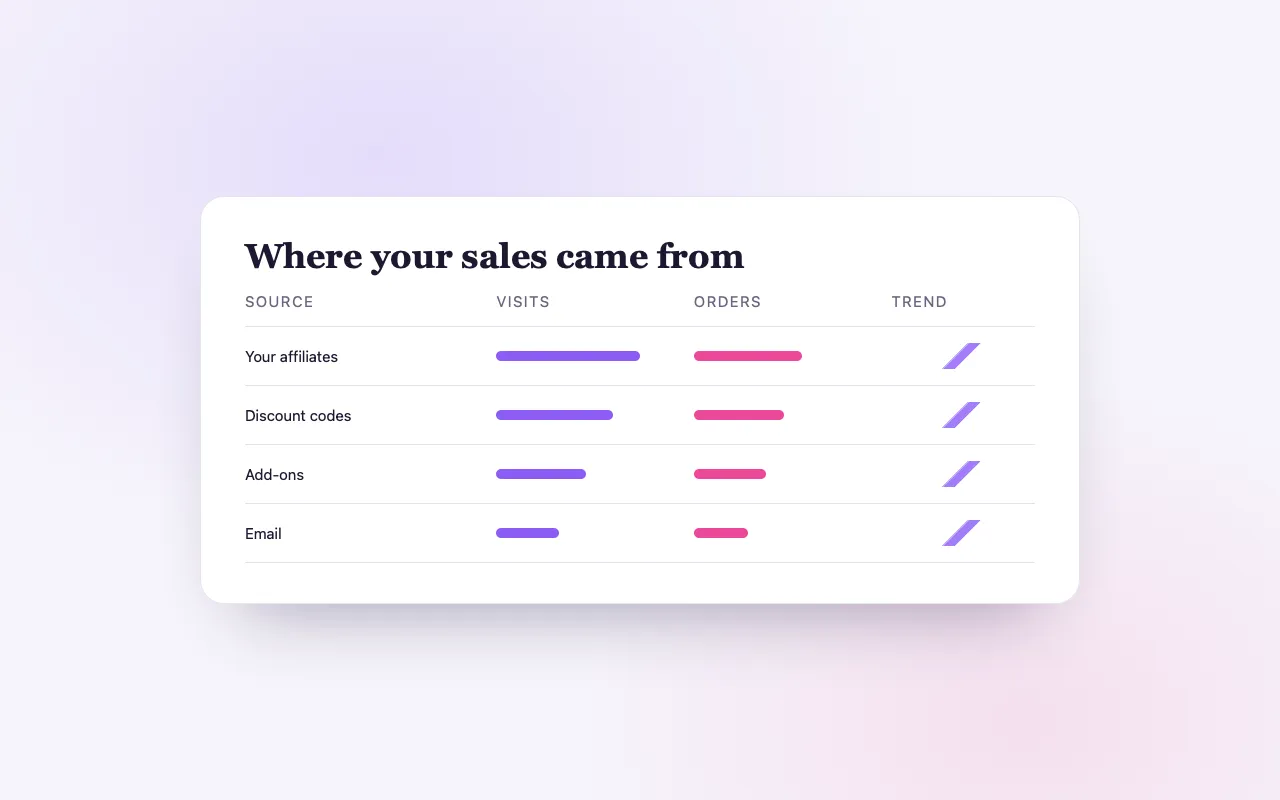
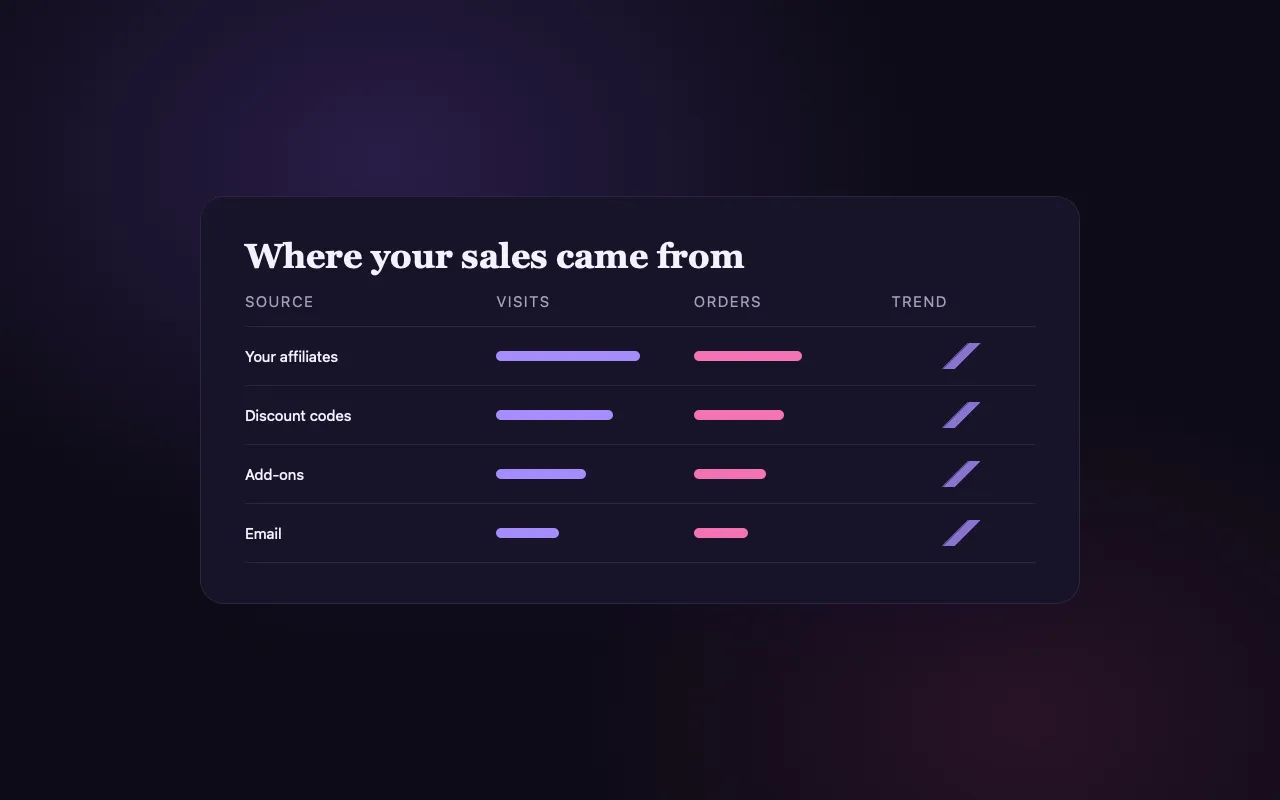
Every sale, traced to its source
Affiliates
Each affiliate’s clicks, sales and commission, so you know your champions.
Codes and upsells
Discount Usage and Upsells reports show what each offer brought in.
Ads and links
Sales from your ads on Amplify, and tagged links from the UTM link builder.
How it works
Share your channels
Affiliate links, codes, tagged links and ads.
Sales are attributed
Each order keeps where it came from.
Compare and export
Open the reports, or export to CSV or PDF.
Loved by artists and organizers
“Not only does BrightStar offer a powerful software platform that has worked very well for my events, but their client support is the best. Their communication is personal, heart-centered, and always thoughtful.”

Peter KaterTwo-Time Grammy Winner (Client Since 2014)
“We've been so happy with the outstanding customer service that we've received while working with BrightStar, and feel great about supporting a company that is authentically committed to the ideals of higher consciousness.”

Eric ForbisFounder, BuddhaFest (Client Since 2012)
“For nearly two decades, Akal (owner of BrightStar) has been lending his skills and talents in support of the Bhakti movement. His platform uniquely serves our movement with authenticity and heart. The technology also rocks!”

Jai UttalGrammy Nominee (Client Since 2014)
Questions organizers ask
Can I see individual affiliate performance?
Yes. Each affiliate shows clicks, sales and commission earned.
Can I export my data?
Yes. Reports export as CSV or PDF, and can be scheduled to your inbox.
Is this included in all plans?
Sales and revenue basics come with Seva. Affiliates, codes and upsells come with Elevate, ad results with Amplify.
Read more
Which of your efforts sells tickets
Most organizers promote an event in several ways at once: a newsletter, social posts, a few partners, a discount for early birds, perhaps some advertising. When the room fills, it is hard to say which of these did the work. Performance reporting is the part of BrightStar that answers that question, using the orders themselves as evidence. Each order remembers how it arrived.
Affiliates
If you use the Affiliate Engine, your dashboard lists every affiliate with their clicks, the sales that came through their link and the commission they earned. Clicks without sales tell you who is enthusiastic; sales tell you whose audience actually books. Both are worth knowing before you plan your next event.
Discount codes
The Discount Usage report shows each of your codes and how it was used. If you gave one code to your newsletter and another to a partner studio, the report tells you what each brought. Seen next to your sales by date, it shows whether an offer moved people or simply rewarded those who would have come anyway.
Upsells and add-ons
The Upsells report shows what was sold beyond the ticket: the add-ons bought in checkout and the bookings that came from events you recommended after purchase. Where a sale was made through another organizer’s cart, or theirs through yours, the report lists it with its commission.
Recovered checkouts
The Cart Recovery report lists orders that were completed after a reminder email. It is the plainest measure of whether cart recovery is worth leaving on for a given kind of event.
Sales from your ads
On Amplify, where BrightStar runs Facebook and Instagram ads for your event, the event’s Amplify tab shows “Sales from your ads”: the tickets and revenue from orders booked within seven days of someone clicking one of the ads, in the event’s own currency. It sits beside what was spent, so the comparison is yours to make. We do not publish a typical return, because none would be honest.
Tagged links for your own channels
For everything you do yourself, use tagged links. The link builder in your event’s tools creates a link with a source and a campaign name, such as “newsletter” or “instagram-bio”. Share a different link in each place, and each order records which one it came through.
Reading the results sensibly
Numbers like these are best used for a few clear decisions. Which two channels should I put more time into? Which partner deserves a personal thank-you? Did the early-bird code move people or would they have come anyway? Small gatherings produce small numbers, so look for patterns across several events before drawing firm conclusions.
Exports and schedules
Reports export as CSV, with the columns arranged as you like, or as PDF. On Elevate and Amplify an event can send scheduled reports by email, so a partner or a board member receives the figures without asking.
What is included where
Sales and revenue reports come with every plan. Affiliates, discount codes, upsells and cart recovery, and therefore their reports, are part of Elevate and Amplify. Results from ads belong to Amplify, where advertising is run for you on a daily budget you set.
A worked example
Imagine a weekend workshop with sixty places. You announce it to your newsletter with a tagged link, give an early-bird code to your past participants, ask the two guest teachers to share their promote links, and switch on cart recovery. Afterwards you open the reports. Tagged links show the newsletter brought the largest share. Discount Usage shows the early-bird code was used by a third of buyers, nearly all in the first week. The affiliate list shows one teacher brought ten people and the other none. Cart Recovery shows a few completed orders. You now know where next time’s effort should go.
Attribution has limits
No report can see everything. Someone may hear about your event from a friend, look at an ad, and finally book from your newsletter; the order records one source, not the whole story. Treat the figures as good evidence, not as a verdict. They are strongest for clear questions, such as which partner actually sends bookings, and weaker for subtle ones, such as how much a poster in a café helped.
What to change after reading
The purpose of these reports is a small number of decisions. Keep the channels that brought bookings and stop the ones that did not. Thank the people who sent guests. Adjust a discount that was too generous or too small. Decide whether advertising paid for itself. If a report does not change what you do next time, you can safely stop reading it.
Privacy and consent
Attribution on BrightStar is built from your own orders and links. Where pixels are involved, they fire only as the visitor’s consent choice allows. Ad results on Amplify count orders booked after an ad click; they do not identify individual people to you beyond what an order already shows.
Maestro
Maestro is the assistant in your dashboard: ask in your own words, check the change on one card, tap to apply.
See the feature →Team access
Invite the people who run your events with you, give each one a role, and keep money and buyer details to those who need them.
See the feature →Ticket Scanner
One app for the door: download BrightStar Organizer, sign in with your team login, pick the event and scan.
See the feature →Email Sequences
Confirmations go out the moment someone buys, and timed reminders keep your event in mind until the day.
See the feature →Message Center
Buyer questions and refund requests arrive in one calm inbox. An AI trained on your voice drafts every reply and answers the common ones for you.
See the feature →AI FAQ Assistant
Your event page carries its own questions and answers, and an assistant on the page answers the rest from your event’s details.
See the feature →See allThere is more to see.