Your teachings beyond the room.
Run online classes and series beside your in-person events, with one audience and one dashboard.
Sign upIncluded on every plan, Seva included.
One place for everything you teach
Online events
Choose online or hybrid, add your join link, and it reaches every ticket holder.
Weekly series
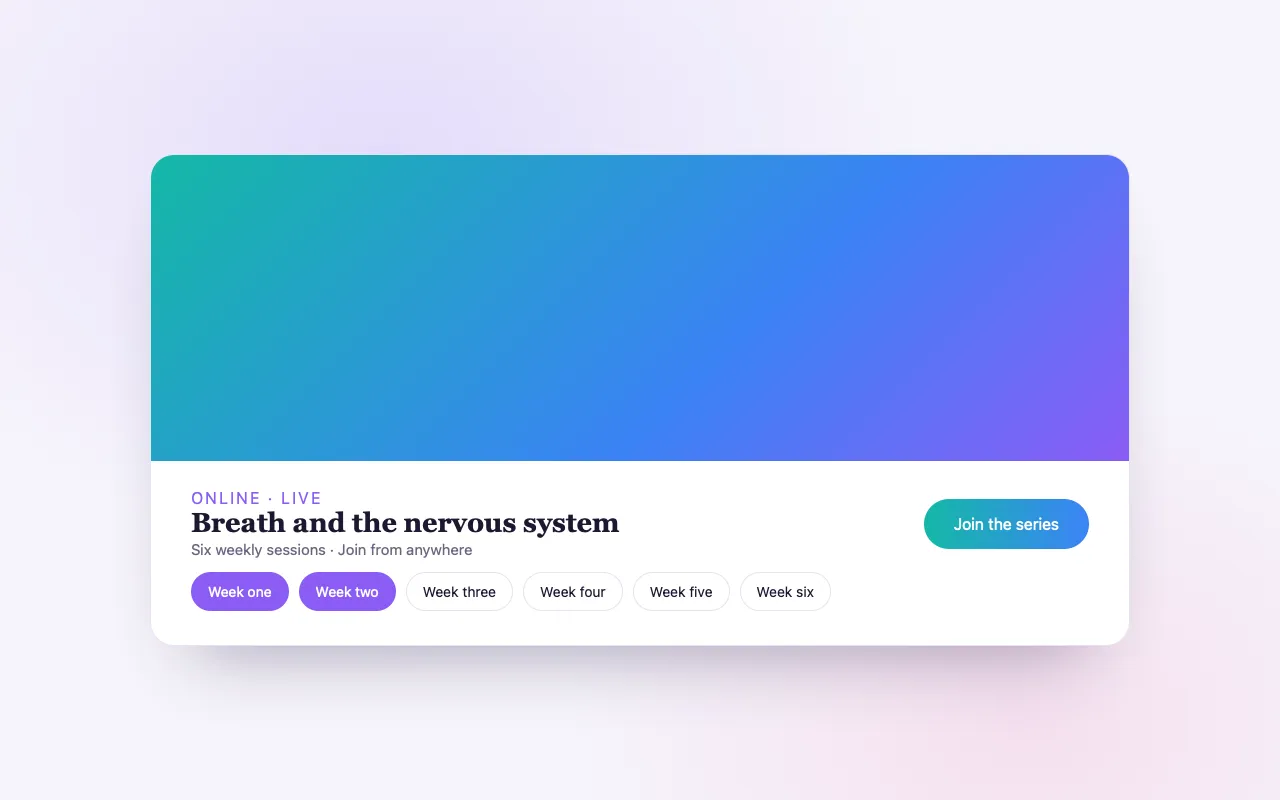
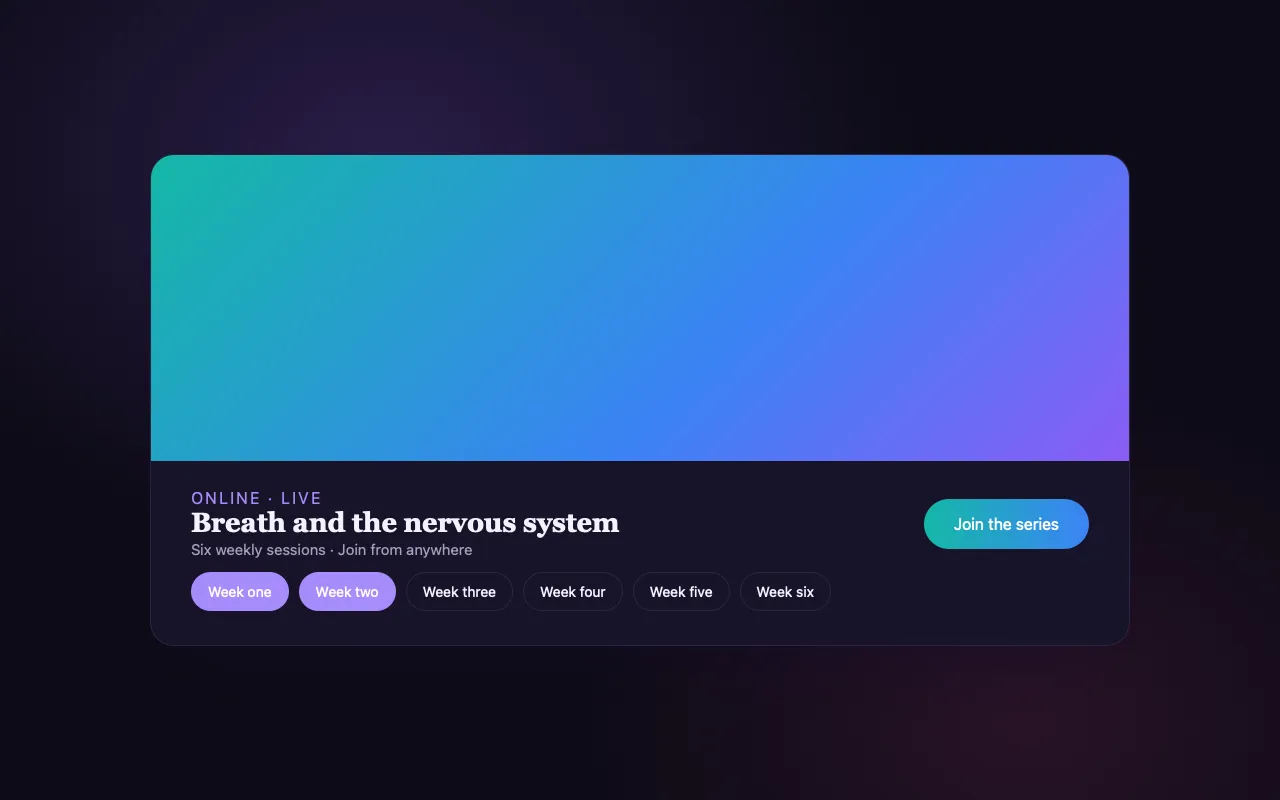
Set a class to repeat weekly and every date is created and on sale for you.
One audience
Online and in-person buyers share one customer list, so you can invite them to what comes next.
How it works
Create the class
Set it online, in person or both.
Repeat it if you like
Weekly or monthly, with the dates generated ahead.
Teach
Attendees get the link and reminders with their tickets.
Loved by artists and organizers
“BrightStar is a close friend and ally with The Shift Network and has been invaluable in helping us bring attention to our programs. We share common spiritual values focused on uplifting humanity. BrightStar combines professional marketing expertise with heart-centered service.”

Philip HellmichDirector of Peace, The Shift Network (Client Since 2012)
“For nearly two decades, Akal (owner of BrightStar) has been lending his skills and talents in support of the Bhakti movement. His platform uniquely serves our movement with authenticity and heart. The technology also rocks!”

Jai UttalGrammy Nominee (Client Since 2014)
“Not only does BrightStar offer a powerful software platform that has worked very well for my events, but their client support is the best. Their communication is personal, heart-centered, and always thoughtful.”

Peter KaterTwo-Time Grammy Winner (Client Since 2014)
Questions organizers ask
Can I sell online and in-person together?
Yes. Mark an event hybrid, or run separate online and in-person dates.
How do attendees get the join link?
It comes with their ticket and in their reminders.
Can I teach one-to-one?
Yes. Private sessions let clients book times from your profile.
Read more
Teaching beyond the room
A teaching does not need a room to reach people. Many teachers now offer part of their work online: a live class for students in other cities, a talk for a community spread across continents, a workshop that would never fill a hall in one town but fills easily when distance is removed. On BrightStar, an online gathering is an event like any other, with tickets, confirmations, reminders and a guest list, and with a join link in place of a street address.
Online events
When you create an event, you choose whether it happens in person, online or both. For an online event you add the link where it will take place, from whichever video service you use. That link is delivered to the people who book, so it does not have to be published on a public page.
How participants get the link
The join link is included in the confirmation email a participant receives when they book, and again in the reminder emails before the session, where it is most needed. Nobody has to search an inbox for a message from weeks ago on the day of the class.
Hybrid events
Some gatherings are held in a room and streamed at the same time. A hybrid event has both a venue and a join link. You can offer separate ticket types for attending in person and for joining online, each with its own price and its own quantity, so the room does not oversell while the online places remain open.
Time zones
An online class gathers people from many time zones. The event has its own time zone, and reminders are timed by it. State the time zone clearly in your description, and consider adding the time in one or two other regions where many of your students live.
One audience across formats
Whether someone joined you online or in a studio, they are in the same customer list, as one person with one history. This matters for teachers: the student who took your online class from another country is exactly the person to invite when you teach a retreat within their reach.
Free and paid
An online session can be free, paid, sliding scale or by donation, like any event. A free online talk is a common way to introduce a longer paid program; the people who register for it are then on your list.
Questions and preparation
You can ask participants questions when they book, such as their experience or what they hope to learn, and you can add a note to each reminder: what to have ready, when to join, whether cameras are expected to be on.
A series of dates
For a course that runs over several sessions, you can sell it as one event with a ticket for the whole course, describing the dates in the details, or set up each session as its own event for those who wish to drop in.
One-to-one teaching
For individual work, private sessions let clients book a time with you from your profile, with the times shown in their own time zone and a calendar invite for both of you. Free sessions can be booked today; paid sessions are opening soon.
What BrightStar does not provide
BrightStar handles registration, payment, communication and your audience. It does not host the video itself: you teach on the video service you already use, and add its link to your event. It also does not host pre-recorded, self-paced courses with lessons to watch in order. If you record a live session and wish to share the recording, you can send the link to your participants with Message Attendees.
Recordings and replays
If you plan to offer a replay, say so on the page, and say for how long. Many people book an online session at an awkward hour precisely because a recording is promised.
Practical advice
Open the room ten minutes early. Put the join link at the top of your own reminder note as well. Tell people what to do if the link fails, and keep an eye on your Message Center in the half hour before you begin, since that is when a participant who cannot find their email will write.
Being found
An online event is published like any other, with its own page prepared for search and sharing, and it appears on your profile and on the profiles of the teachers you name.
Where it is included
Online and hybrid events are available on every plan, including Seva.
An example
A meditation teacher offers a four-week online course on Sunday evenings. She creates one online event for the course with a single ticket, lists the four dates in the description and adds the join link. Participants receive the link when they book and again in their reminders. Each Sunday she sends a short note with Message Attendees. At the end of the month she has a list of everyone who took part, ready to invite to her spring retreat.
Rooms and stays
Guests choose their room as they buy their ticket, and every bed is counted so nothing is sold twice.
See the feature →Recurring Events
Create a weekly class or series in one setup, and BrightStar keeps the dates coming and on sale.
See the feature →Private Sessions
Clients book free sessions from your profile today; paid sessions are opening soon.
See the feature →Online Summits
Bring speakers, sessions and passes together in one online event, and let every speaker help spread the word.
See the feature →Donations & Sliding Scale
Let attendees choose what they can pay within the range you set, or give freely, so no one is turned away because of money.
See the feature →Ticket Categories
Group your ticket types into clear categories, so buyers see the shape of your event and find their ticket fast.
See the feature →See allThere is more to see.