Bring your events with you, at your own pace.
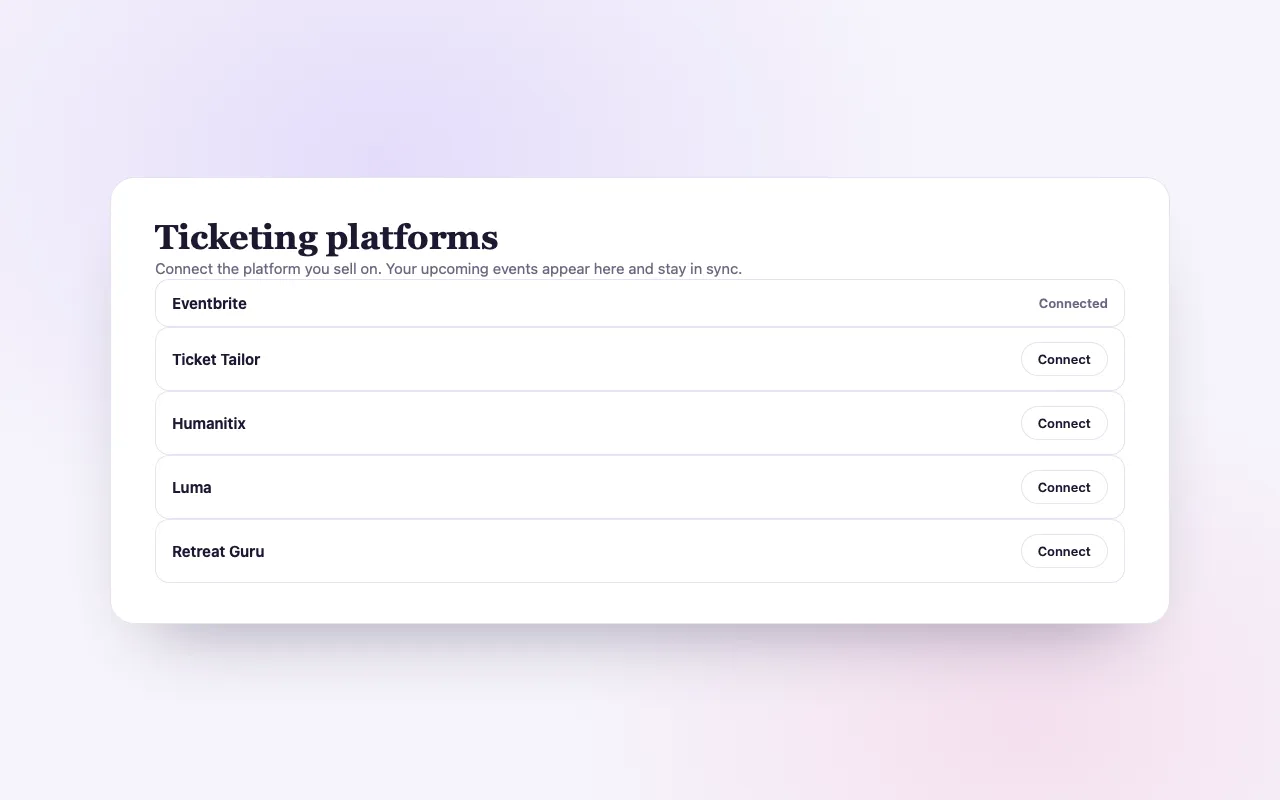
Connect the platform you sell on now. Your events appear on BrightStar at once, and each one can move over when you choose.
Sign upIncluded on every plan, Seva included.
A move without a gap
Found from day one
Your upcoming events are listed on BrightStar as soon as you connect, linking to the tickets you already sell.
Kept in step
New events appear, changes follow, and a cancelled event comes down on its own.
Move one, or all
When you are ready, sell an event here. Its page stays the same, and its past buyers can come with it.
How it works
Connect
Paste a key from your account, or sign in to the platform.
Appear
Your upcoming events are listed on BrightStar, synced from your account.
Move over
Choose “Sell this one here” on any event, and switch on BrightStar tickets.
Loved by artists and organizers
“Not only does BrightStar offer a powerful software platform that has worked very well for my events, but their client support is the best. Their communication is personal, heart-centered, and always thoughtful.”

Peter KaterTwo-Time Grammy Winner (Client Since 2014)
“We've been so happy with the outstanding customer service that we've received while working with BrightStar, and feel great about supporting a company that is authentically committed to the ideals of higher consciousness.”

Eric ForbisFounder, BuddhaFest (Client Since 2012)
“For nearly two decades, Akal (owner of BrightStar) has been lending his skills and talents in support of the Bhakti movement. His platform uniquely serves our movement with authenticity and heart. The technology also rocks!”

Jai UttalGrammy Nominee (Client Since 2014)
Questions organizers ask
Which ticketing platforms can I connect?
Eventbrite, Ticket Tailor, Humanitix, Luma, Retreat Guru, Meetup and Momence. You can connect several at once, and more than one account on the same platform.
How do I move my events from Eventbrite?
Connect Eventbrite from Integrations → Ticketing platforms with a private token from your Eventbrite account. Your upcoming events appear on BrightStar, and each one can move to BrightStar ticketing when you choose.
Can I import from Ticket Tailor, Humanitix or Luma?
Yes. Paste the API key from your account settings on that platform; the first sync runs straight away.
Do I need to stop selling on my old platform?
No. While connected, your events link to the tickets you already sell. Nothing is cancelled or changed on the other platform.
Can my past buyers come with me?
Yes, from every platform except Meetup, whose system does not share email addresses. When you move an event, its buyers can join your audience on BrightStar, with your confirmation that they agreed to hear from you.
What happens to my event page when I move an event over?
It keeps the same address. It shows the other platform’s tickets until you switch on BrightStar ticketing for it, so the page never goes dark.
What if I cancel an event on the other platform?
The next sync takes it down from BrightStar too, unless another of your connections still lists it.
Is connecting a platform free?
Yes. Connecting and being listed costs nothing on any plan. BrightStar ticketing has its own plans, with Seva at no platform fee.
What about Meetup and Momence?
They connect by signing in on the platform. If that sign-in still needs setting up on our side, we tell you and it is usually ready within one to two business days.