Payments, powered by Stripe.
Every ticket is paid through Stripe into your own Stripe account, with the ways of paying your buyers already use.
Sign upIncluded on every plan, Seva included.


Money that goes where it belongs
Your own Stripe account
Connect the Stripe account you already have, or open one through Stripe in a few steps. Ticket sales are paid into it, and Stripe pays out to your bank.
The ways people pay
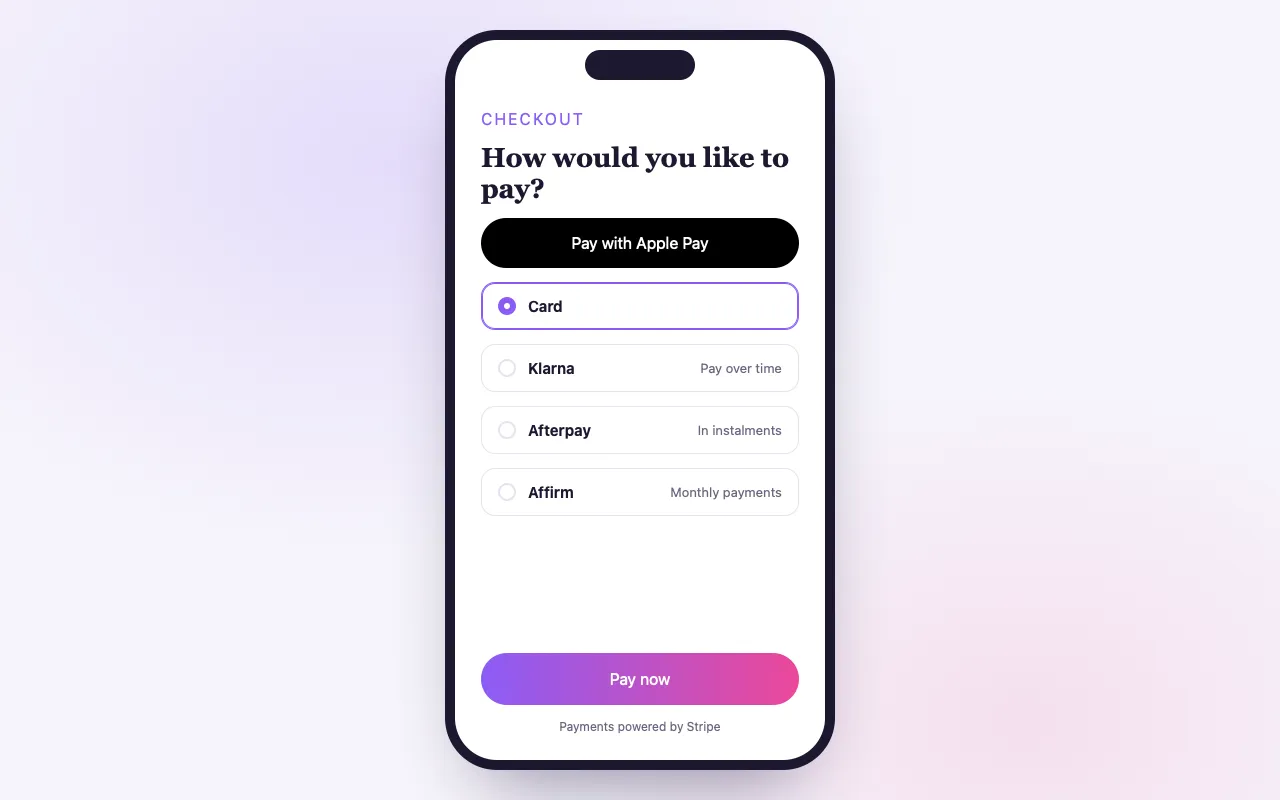
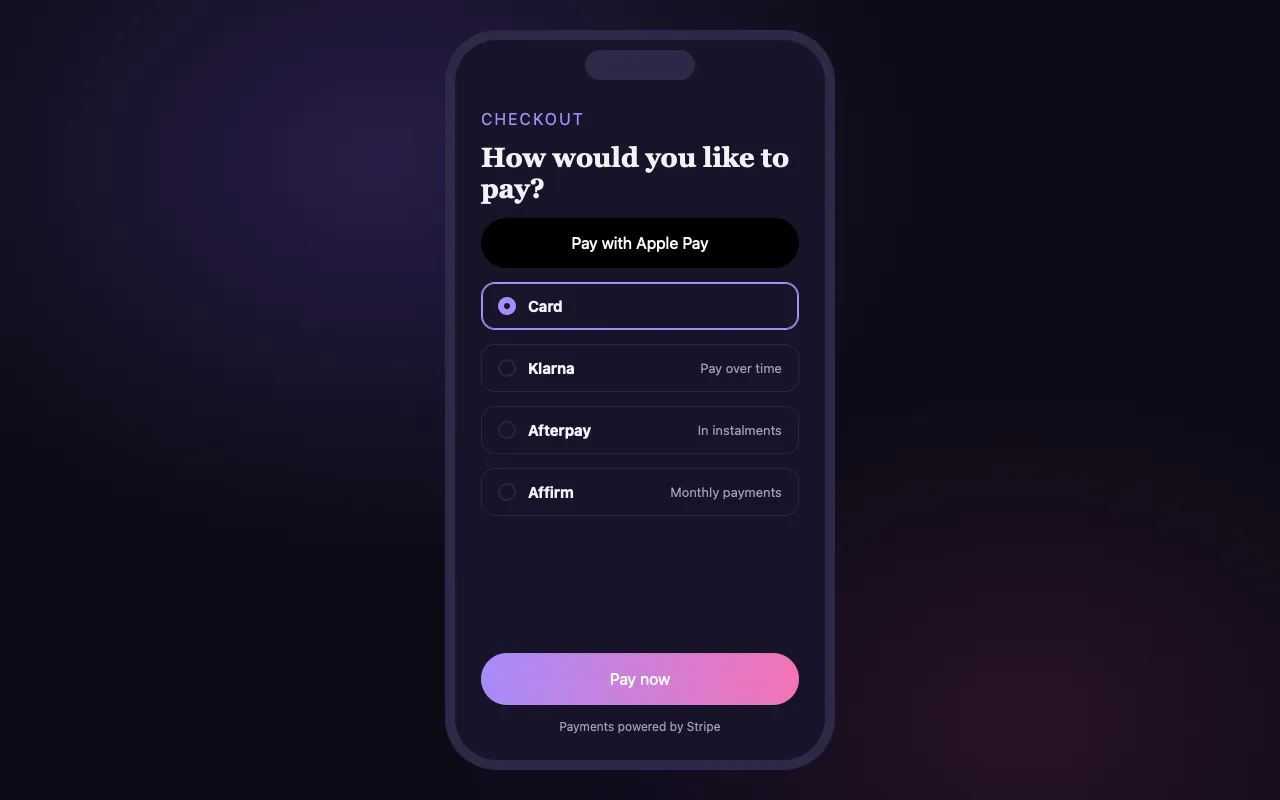
Cards, Apple Pay and Google Pay, and pay-over-time options such as Klarna, Afterpay and Affirm where Stripe offers them to the buyer.
Stripe’s security
Card details are typed into Stripe’s own fields and never reach our servers. Stripe screens payments for fraud with Radar.
How it works
Connect Stripe
From your dashboard, connect an existing Stripe account or create one with Stripe.
Sell tickets
Buyers pay at checkout with the methods Stripe offers them in their country.
Get paid
Sales arrive in your Stripe account, and Stripe pays out to your bank on your payout schedule.
Loved by artists and organizers
“Not only does BrightStar offer a powerful software platform that has worked very well for my events, but their client support is the best. Their communication is personal, heart-centered, and always thoughtful.”

Peter KaterTwo-Time Grammy Winner (Client Since 2014)
“For nearly two decades, Akal (owner of BrightStar) has been lending his skills and talents in support of the Bhakti movement. His platform uniquely serves our movement with authenticity and heart. The technology also rocks!”

Jai UttalGrammy Nominee (Client Since 2014)
“We've been so happy with the outstanding customer service that we've received while working with BrightStar, and feel great about supporting a company that is authentically committed to the ideals of higher consciousness.”

Eric ForbisFounder, BuddhaFest (Client Since 2012)
Questions organizers ask
Is BrightStar a ticketing platform that uses Stripe?
Yes. Every paid ticket on BrightStar is processed by Stripe, and the money is paid into the organizer’s own Stripe account. BrightStar is a Stripe user like any other business; this is not a partnership with or an endorsement by Stripe.
How do I sell event tickets with Stripe?
Create your event on BrightStar, connect your Stripe account from the dashboard and publish. The checkout, the confirmation emails and the tickets are handled for you; the payments go to your Stripe account.
How does Stripe Connect work for events?
BrightStar uses Stripe Connect. If you already have a Stripe account, you connect it and keep your full Stripe Dashboard. If not, you open one through Stripe from your dashboard and complete Stripe’s verification there.
When do I get paid?
Each sale is paid into your Stripe account, and Stripe sends your balance to your bank on your account’s payout schedule. BrightStar does not run payouts or decide their timing.
Which payment methods can my buyers use?
Cards, Apple Pay and Google Pay on devices that have them, and buy now, pay later options such as Klarna, Afterpay or Clearpay, Affirm and Zip where Stripe offers them for the buyer’s country and the order amount. Other local methods appear where Stripe supports them.
Can buyers pay for a retreat or training over time?
Yes, through the pay-over-time providers Stripe offers at checkout. The buyer repays the provider, and you receive the full amount up front.
Is it secure?
Stripe is certified to PCI Service Provider Level 1, by its own published account the most stringent level in the payments industry. Card details are entered in Stripe’s fields on the checkout, so they never touch BrightStar’s servers.
Does Stripe check payments for fraud?
Yes. Stripe screens card payments with Radar, its built-in fraud protection, before they go through.
Which currencies and countries are supported?
You price each event in its own currency, and organizers can sign up from the countries Stripe Connect supports, chosen from Stripe’s own list when you connect. Buyers pay in the event’s currency; their card or provider handles any conversion.
What does card processing cost?
Stripe’s processing fee applies to each paid order and depends on the method and your account’s country. Free tickets have no fees at all. The rates are on the pricing page.
Read more
Your account, your relationship with Stripe
The Stripe account your ticket money goes to is yours. You see each payment, refund and payout there, and Stripe sends the balance to your bank on the schedule set for your account. BrightStar takes only its own fee on the plans that have one.
Buy now, pay later, in one line
For bigger tickets, buyers can choose Klarna, Afterpay or Clearpay, Affirm or Zip at checkout where Stripe offers them. You are paid in full up front and the provider collects the instalments. The buy now, pay later page explains where it appears and what it costs.
Security is Stripe’s
Stripe is audited as a PCI Service Provider Level 1 (docs.stripe.com/security). Card numbers are typed into Stripe’s own fields, so they never pass through BrightStar. Radar, Stripe’s fraud screening, checks card payments as they are made.
Countries and currencies
Each event has its own currency, so a retreat abroad and a class at home can each be priced the way your guests expect. The countries you can connect from are the ones Stripe Connect supports, shown from Stripe’s own list when you set up.
What “powered by Stripe” means in practice
Stripe is one of the world’s largest payment processors, used by businesses of every size. BrightStar does not try to be a bank. It uses Stripe for what Stripe does well, taking payments safely in many countries and by many methods, and concentrates on ticketing. For you this means that the part of the system that touches money is run by a company whose whole work is payments, and that your money is held in an account in your own name.
Connecting an account you already have
If you already use Stripe, for a studio, an online shop or donations, you can connect that same account to BrightStar from your dashboard. You keep your full Stripe Dashboard, with its reports, its payout settings and its history. Ticket sales appear there beside your other income.
Opening one if you do not
If you have never used Stripe, you start from your BrightStar dashboard and complete Stripe’s own onboarding: who you are, your business or personal details and the bank account to be paid into. Stripe carries out the identity checks that payment law requires. Stripe may ask for a document to confirm your details.
What happens when someone buys
A buyer chooses tickets and pays. Stripe authorizes the payment and the order is confirmed, the tickets are issued and the confirmation email is sent. The sale is recorded in your BrightStar dashboard at once and the money arrives in your Stripe account. From there Stripe pays out to your bank on the schedule of your account.
Payouts are Stripe’s
BrightStar does not hold your ticket money and does not decide when you are paid. Payout timing is set in your Stripe account and depends on your country and your account’s history; a new account may begin with a waiting period set by Stripe. If you have a question about a particular payout, your Stripe Dashboard is the place to look.
The fees, in plain words
Two different fees apply to a paid order, and it helps to keep them apart. The platform fee is BrightStar’s, per ticket, and depends on your plan; on Seva there is none. The processing fee covers card processing and is charged once per order. For each event you choose whether the buyer pays these fees on top of the ticket price or whether you absorb them. A free order carries no fees of either kind. The pricing page lists the current rates.
Wallets
On devices that have them, Apple Pay and Google Pay appear at the top of checkout. A buyer with a card already in their phone can pay with a glance or a touch, without typing a card number. For tickets bought on a phone, which is most of them, this is often the quickest way to pay.
Refunds
When you refund an order from your dashboard, in full or in part, the refund is issued through Stripe to the method the buyer paid with. When it appears on their statement depends on their bank. Refunds are recorded on the order and in your reports.
Disputes
Occasionally a cardholder disputes a payment with their bank. Disputes are handled within Stripe’s process, where the evidence is submitted and the bank decides. Clear event descriptions, a visible refund policy and prompt answers to guests are the best prevention.
Before you publish a paid event
Connect Stripe first. A paid event needs a connected account that is ready to take card payments before tickets can be sold. Free events need no Stripe account at all, so you can publish a free gathering today and connect payments when you first charge.
Teams and money
Connecting and managing the Stripe account stays with the owner of the BrightStar account. Teammates you invite can be given access to sales figures if their role includes them, but they cannot change where the money goes.
Questions to ask your accountant
Whether to use a personal or a business Stripe account, how ticket income should be recorded, and whether sales tax or VAT applies to your tickets are questions for someone who knows your situation. BrightStar gives you the reports; it does not give tax advice.