Event pages that look like your brand.
Your page is designed from your poster, ready on every phone, and set up for search and sharing the moment you publish.
新規登録Included on every plan, Seva included.
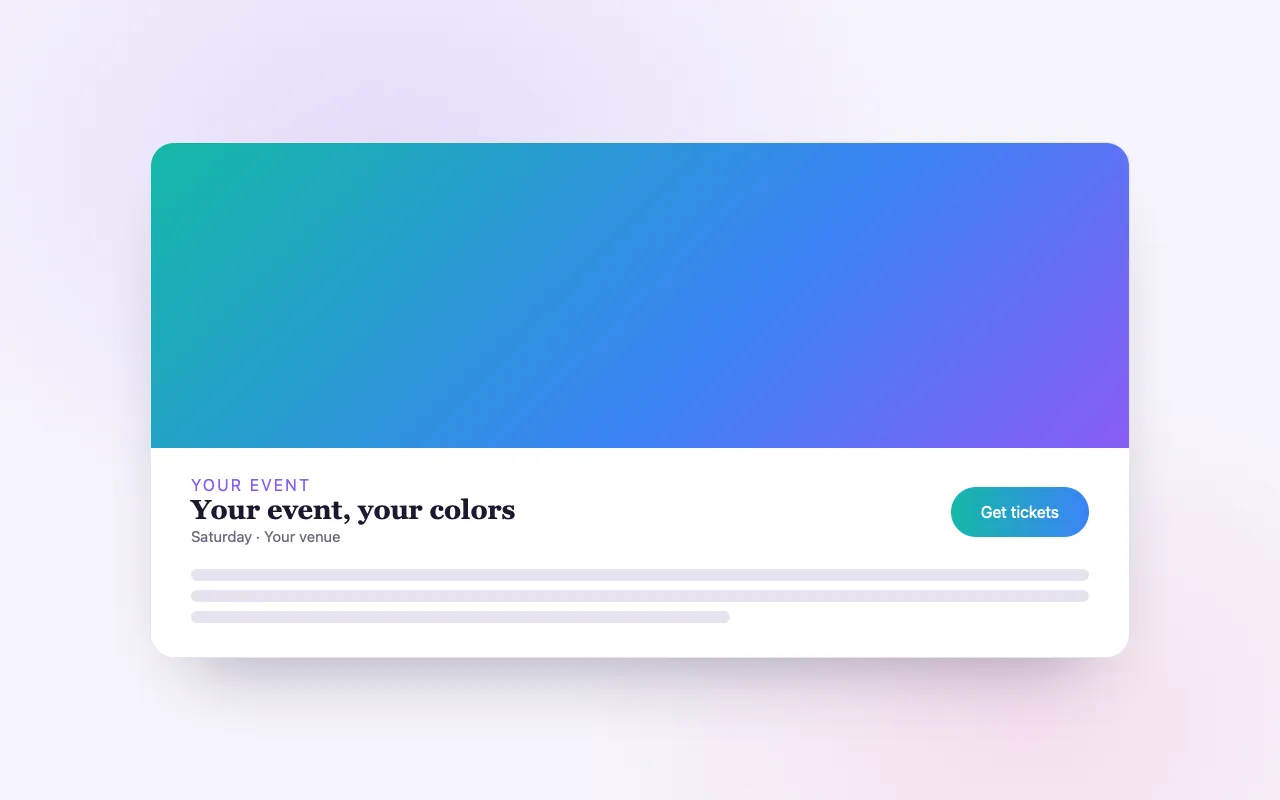
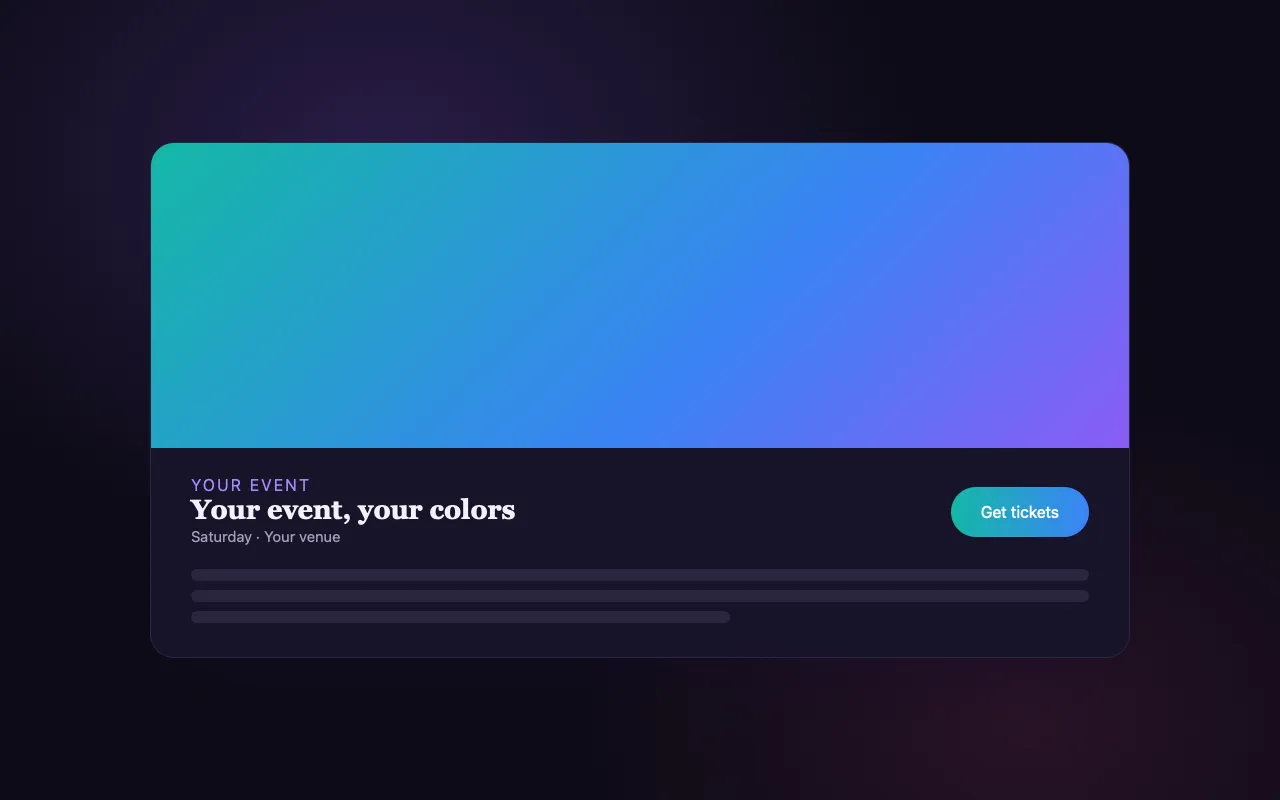
Stand out, without a designer
Designed from your poster
The page picks its accent from your image; choose a heading font, a layout and dark or light.
Every section you need
Schedule, performers, FAQs, gallery, testimonials and venue details, shown only when you fill them.
Search and share ready
Event structured data, meta tags and share preview cards are generated for you.
How it works
Create your event
Add the details, tickets and your poster.
Shape the look
Adjust colors, fonts and sections, and preview it live.
Publish and share
Go live and share a link that previews beautifully everywhere.
Loved by artists and organizers
“BrightStar はキャリアのいちばん最初から私のコンサートを支え、聴衆を広げるうえで決定的な役割を果たしてくれました。アーティストにも主催者にも注がれる誠実さと献身は、そのプロフェッショナリズムと同じく模範的です。”

Snatam Kaurグラミー賞ノミネート(2005年からのクライアント)
“20年近くにわたり、Akal(BrightStar のオーナー)はその力をバクティ・ムーブメントのために捧げてきました。彼のプラットフォームは、真実さと心をもって、私たちのムーブメントに他にはないかたちで貢献しています。技術も最高です!”

Jai Uttalグラミー賞ノミネート(2014年からのクライアント)
“BrightStar と仕事をする中で受けてきた素晴らしいサポートに、私たちはとても満足しています。より高い意識の理想に真摯に取り組む会社を支えられることを、心から嬉しく思います。”

Eric ForbisBuddhaFest 創設者(2012年からのクライアント)
Questions organizers ask
Do I need technical skills?
No. If you can fill in a form, you can publish a beautiful event page.
How does the search optimization work?
Meta tags, share previews and Event structured data are generated from your details, so search engines can show your date, place and tickets.
Is it included in my plan?
Every plan publishes a full event page. Custom design (colors, fonts, layouts) comes with Elevate and Amplify.
続きを読む
The page is the invitation
For most guests, your event page is the first real contact with your gathering. In a few seconds they decide whether this is for them. A page that is clear, quick and beautiful on a phone does half of your promotion for you. On BrightStar you do not design that page or write any code. You fill in your event, add your poster or photo, and the page is built from it.
What every event page includes
Every published event, on every plan, has a full page: your image, the title, the date and time in the event’s time zone, the place with a map, your description, the people performing or teaching with links to their profiles, your ticket types and a way to book. Sections appear only when you have filled them. An event with a schedule shows a schedule; one without does not show an empty heading.
Made for phones first
Most tickets are bought on a phone, often from a link in a message or a social post. The page is built for that: the essential facts and the booking button are reachable with a thumb, images load at the size the screen needs, and checkout fills the screen. On a computer the same page opens out into a wider layout.
Custom design
With custom design you shape the look. The page takes its accent color from your poster, so the buttons and highlights belong to your image. You choose a heading font from a curated set, one of three layouts, classic, modern or minimal, and light or dark. You see the result in a live preview before you publish.
Sections for the things guests ask
Beyond the basics, a page can carry a schedule, your FAQs, venue details and practical notes. Each is a step in creating the event, and each can be skipped. A simple evening needs little; a festival will use most of them.
Ready for search
When you publish, the page’s title and description for search results are generated from your details, and the page carries Event structured data: what it is, when, where, who is performing and what tickets are offered. That is what lets a search engine show your date and place directly in its results.
Ready to share
When someone pastes your link into a message or a social post, it unfolds into a preview card with your image, title and date. The page also has a share button for Facebook, X, LinkedIn, email and copying the link. A link that looks good is shared more readily.
Languages
The page frame, checkout and buttons are available in seven languages, and a visitor’s choice is remembered. Your own description stays in the language you wrote it in.
Your address
Each event has its own readable web address based on its title. You can put it on a poster, in a bio or under a video. If you prefer to sell from your own website, the embed widget places the same tickets there.
Choosing an image
The image does more work than any other element. Use a photograph or poster that shows what the gathering feels like, wide enough to crop well, with any text large enough to read on a phone. Because the accent color is taken from it, a strong image also gives you a harmonious page.
Writing a description
Lead with what a guest will experience, then who is offering it, then the practical facts. Short paragraphs read best on a phone. Leave logistics such as parking to the FAQs, where people look for them.
Editing after you publish
You can change the page while tickets are on sale. Text, image, schedule and design update when you save. Changes to an event are recorded, so a mistaken edit can be traced and put right.
Where it is included
A complete event page comes with every plan, including Seva. Custom design, with its colors, fonts and layouts, is part of Elevate and Amplify.
Different gatherings, different pages
A concert page wants a strong image, the artist’s name, the date and a fast way to book. A retreat page carries more: the daily rhythm, the teachers, the rooms, the food, what to bring, how to get there. A teacher training needs its curriculum, its dates and its requirements. A festival needs its line-up and its schedule by day. The page adapts to what you enter, so one system serves all of these without forcing a small evening into a festival’s frame or the reverse.
What guests look for, in order
Watching how people read event pages teaches a simple order. First: what is this, and is it for me? Then: when and where? Then: what does it cost? Then: who else is involved? Only then the details. A page that answers the first three within one screen on a phone keeps its visitor. Use your title, image and first two sentences for that, and let everything else follow below.
Your brand across events
If you host regularly, consistency helps people recognize you. Use the same heading font and layout for each event and let the accent color come from each poster. Your pages then look related without looking identical. Your organizer profile gathers all of your events on one page, in the same spirit.
Accessibility and care
A page should work for everyone who might come. Write the access information plainly: steps, lifts, chairs, parking close to the door. Describe your image in words where it carries information, such as a date printed on a poster, because not every visitor can read text inside an image.
Artist Profiles
If you have taught or played at events on BrightStar, you likely have a profile waiting: claim it, make it yours, and let people follow you.
機能を見る →Link in Bio
Your link-in-bio page shows your upcoming events as you add them, beside your bio and social links, free.
機能を見る →Event Blog
BrightStar’s blog writes spotlight articles about upcoming events, so people searching for what you offer find a second way in.
機能を見る →Blog & Publishing
Publish articles, videos and podcast episodes on BrightStar, where people already come looking for what you offer.
機能を見る →Ticket Categories
Group your ticket types into clear categories, so buyers see the shape of your event and find their ticket fast.
機能を見る →Stripe による決済
すべてのチケットは Stripe を通じてあなた自身の Stripe アカウントに支払われ、お客様がすでに使っている支払い方法が利用できます。
機能を見る →See allThere is more to see.