The same questions, answered for you.
Your event page carries its own questions and answers, and an assistant on the page answers the rest from your event’s details.
新規登録Included on every plan, Seva included.
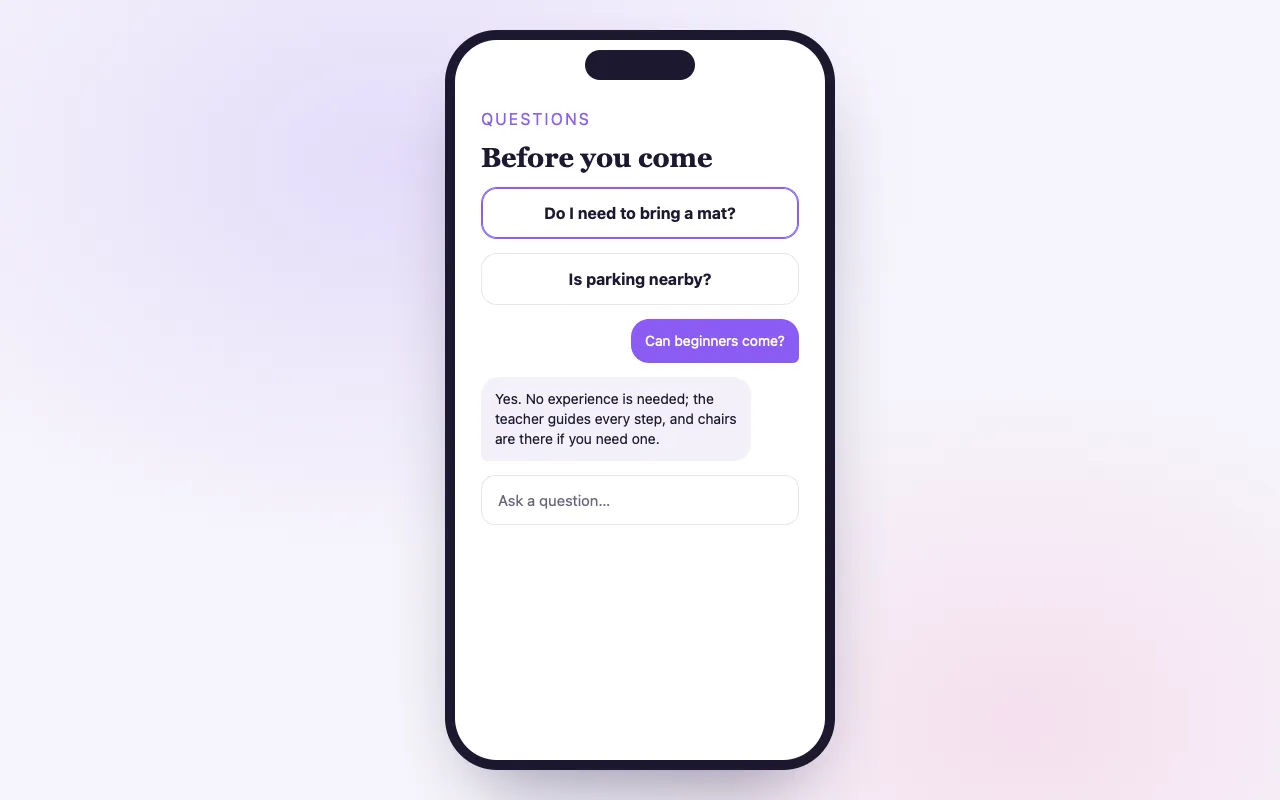
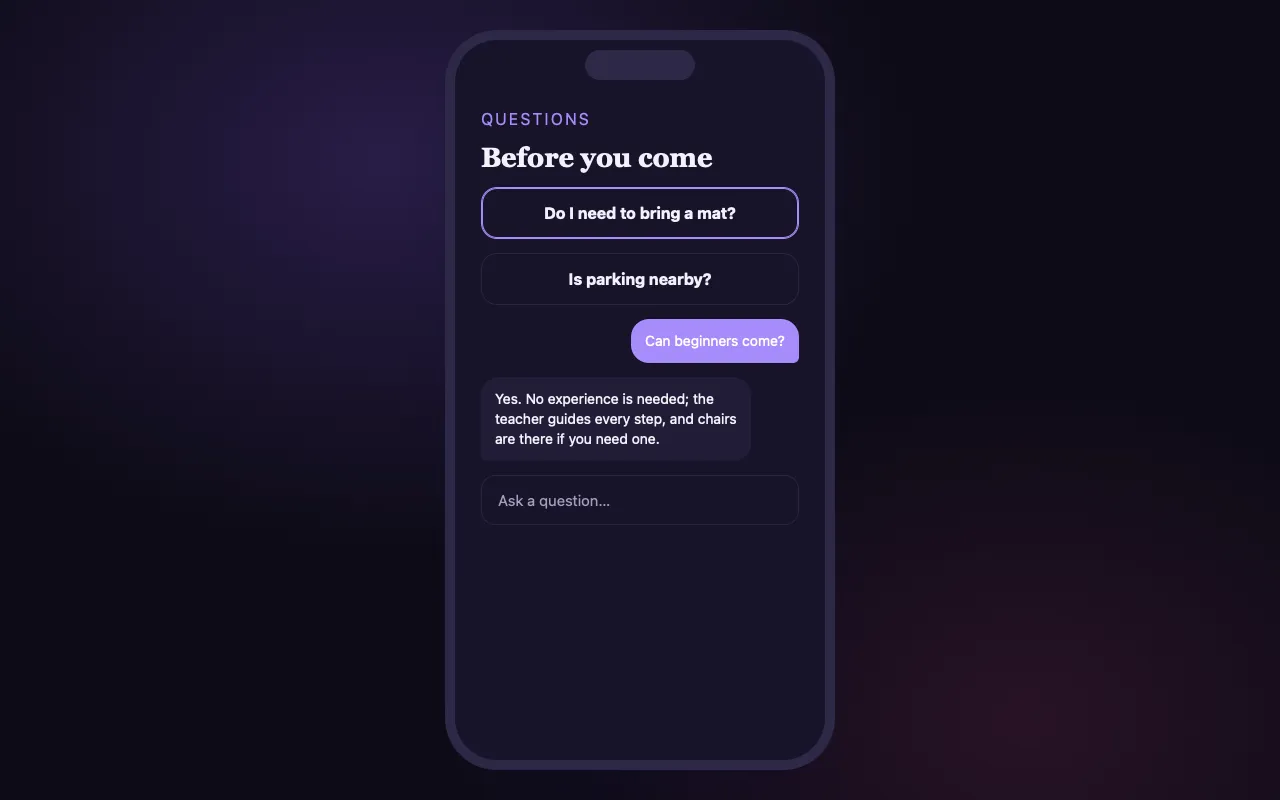
Answers at the moment they are deciding
Drafted from your event
Have questions and answers drafted from your date, venue, tickets and refund policy, then edit them before publishing.
An assistant that knows the event
An “Ask AI” card on the page answers parking, timing and what-to-bring questions from your own details.
Read by search and AI
Your FAQs are published as structured data, so search results and AI answers can quote them.
How it works
Add your FAQs
Write them in your voice, or have them drafted from what the event already says.
Publish
They appear on the event page and in its structured data at once.
Visitors ask
Anything not listed can be asked of the page’s assistant, which answers from your event’s details.
Loved by artists and organizers
“BrightStar は、私のイベントで非常にうまく機能した強力なプラットフォームを提供してくれるだけでなく、サポートも最高です。やりとりはいつも一人ひとりに向き合った、心のこもった、行き届いたものです。”

Peter Katerグラミー賞2度受賞(2014年からのクライアント)
“BrightStar と仕事をする中で受けてきた素晴らしいサポートに、私たちはとても満足しています。より高い意識の理想に真摯に取り組む会社を支えられることを、心から嬉しく思います。”

Eric ForbisBuddhaFest 創設者(2012年からのクライアント)
“20年近くにわたり、Akal(BrightStar のオーナー)はその力をバクティ・ムーブメントのために捧げてきました。彼のプラットフォームは、真実さと心をもって、私たちのムーブメントに他にはないかたちで貢献しています。技術も最高です!”

Jai Uttalグラミー賞ノミネート(2014年からのクライアント)
Questions organizers ask
How does the AI know the right answers?
It reads your FAQs and your event details, such as location, date, description and ticket types, and answers from them.
What if someone asks something my FAQs do not cover?
The assistant answers from the event’s details where it can. When it cannot, the visitor can still message you directly.
Does it sound robotic?
No. It answers in a warm, conversational tone, and it follows the voice of the FAQs you write.
Is it included on the Seva plan?
Yes. FAQs and the page’s assistant come with every event; Elevate lets you add more FAQs.
続きを読む
The questions behind every booking
Before most people book, they have a question. Is there parking? Can I come if I have never done this before? Will there be chairs? What time does it really end? If the answer is not on the page, some will write to you, and many will simply leave. Good FAQs are the cheapest way to turn a hesitant visitor into a guest, and they save you from answering the same email forty times. On BrightStar every event page can carry its own questions and answers, and an assistant on the page can answer what the list does not cover.
Writing your FAQs
FAQs are one of the steps when you create an event, and one of its tools afterwards. You add a question, write the answer, and put them in the order you want. They are yours, in your voice. Many organizers write five or six: what to bring, who it is for, where to park, what the refund policy is, whether food is included, and how to reach the host.
Having them drafted for you
If you would rather not start from an empty page, BrightStar can draft questions and answers from what your event already says: its date and place, its ticket types, its description and its refund policy. The draft also takes account of FAQs you have already written, so it does not repeat them. Nothing is published until you have read it. Edit what is nearly right, delete what does not apply and add what only you know.
How they appear on the page
On the event page, your FAQs sit in a tidy list. The first is open and the rest open with a tap, so the page stays calm for the visitor who does not need them and helpful for the one who does. They appear the moment you publish and change the moment you edit.
Read by search engines and AI answers
The same questions and answers are published in the page’s structured data, in the format search engines use for questions. This means a search result can show your answers, and an AI assistant that reads the web can quote them accurately. An event that states clearly whether beginners are welcome is easier for a machine to recommend to a beginner.
The assistant on the page
Beside your FAQs, the event page carries an “Ask AI” card. A visitor can open it and ask a question in their own words. The assistant answers from that event’s own details and FAQs: when and where it is, who is performing, which tickets exist, what you have said about arrival. It suggests a few starter questions, so a visitor who is unsure what to ask can begin with one tap.
What it knows, and what it does not
The assistant is grounded in what your event has published. It does not know things you have not written down, such as whether the hall is cold in winter. When it cannot answer, the visitor can still send you a message from the page, which arrives in your Message Center. The more complete your details and FAQs, the more useful the assistant becomes, so the two features feed each other.
Tone
Answers are given in a warm, conversational voice, and the assistant leans on the wording of the FAQs you wrote. It does not pressure anyone to buy, and it does not invent urgency. Its job is to answer the question that was asked.
Good FAQs, in practice
Write each question the way a guest would ask it, not the way an organizer would file it: “Can I come alone?” is better than “Attendance policy”. Keep each answer to two or three sentences. Put the most common question first. State facts that reassure: there are chairs, the room is on the ground floor, latecomers are let in quietly. And review the list after each event, adding the question you were asked most at the door.
Topics worth covering
For an evening: arrival time, parking, seating, whether children are welcome. For a retreat: travel, rooms, meals and dietary needs, what to pack, phone use, arrival and departure times. For a training: prerequisites, certification, attendance requirements, payment questions. For an online event: how to join, whether there is a recording, what time zone the times are in.
For returning hosts
If you run similar events, your questions are mostly the same from one to the next. Keep your best answers and reuse them when you set up the next event, adjusting the details that changed. Over time you build a set of answers that reflects how you actually host.
Where it is included
FAQs and the page’s assistant come with every event on every plan, including Seva. Elevate and Amplify allow more FAQs on an event. There is nothing to install and no separate chatbot service to configure.
What it does not do
The assistant on the page answers visitors; it does not act for you. It cannot change a booking, issue a refund or promise an exception. Those remain with you, through your inbox and your dashboard.
Maestro
Maestroはダッシュボードのアシスタント:自分の言葉で質問し、1つのカードで変更を確認してから、タップして適用できます。
機能を見る →チームアクセス
あなたと一緒にeventsを運営する人たちを招待し、それぞれに役割を与えて、お金と購入者の詳細情報は必要な人だけが見られるようにします。
機能を見る →Ticket Scanner
One app for the door: download BrightStar Organizer, sign in with your team login, pick the event and scan.
機能を見る →Email Sequences
Confirmations go out the moment someone buys, and timed reminders keep your event in mind until the day.
機能を見る →Message Center
Buyer questions and refund requests arrive in one calm inbox. An AI trained on your voice drafts every reply and answers the common ones for you.
機能を見る →Reports
Ready-made reports, one click to CSV, or a custom builder for exactly the fields you need, scheduled to your inbox if you like.
機能を見る →See allThere is more to see.