Sell through other organizers’ carts.
When buyers check out for another event, yours can be offered beside it, and the organizer who surfaced it earns the commission you set.
RegistrierenIncluded on Elevate and Amplify.
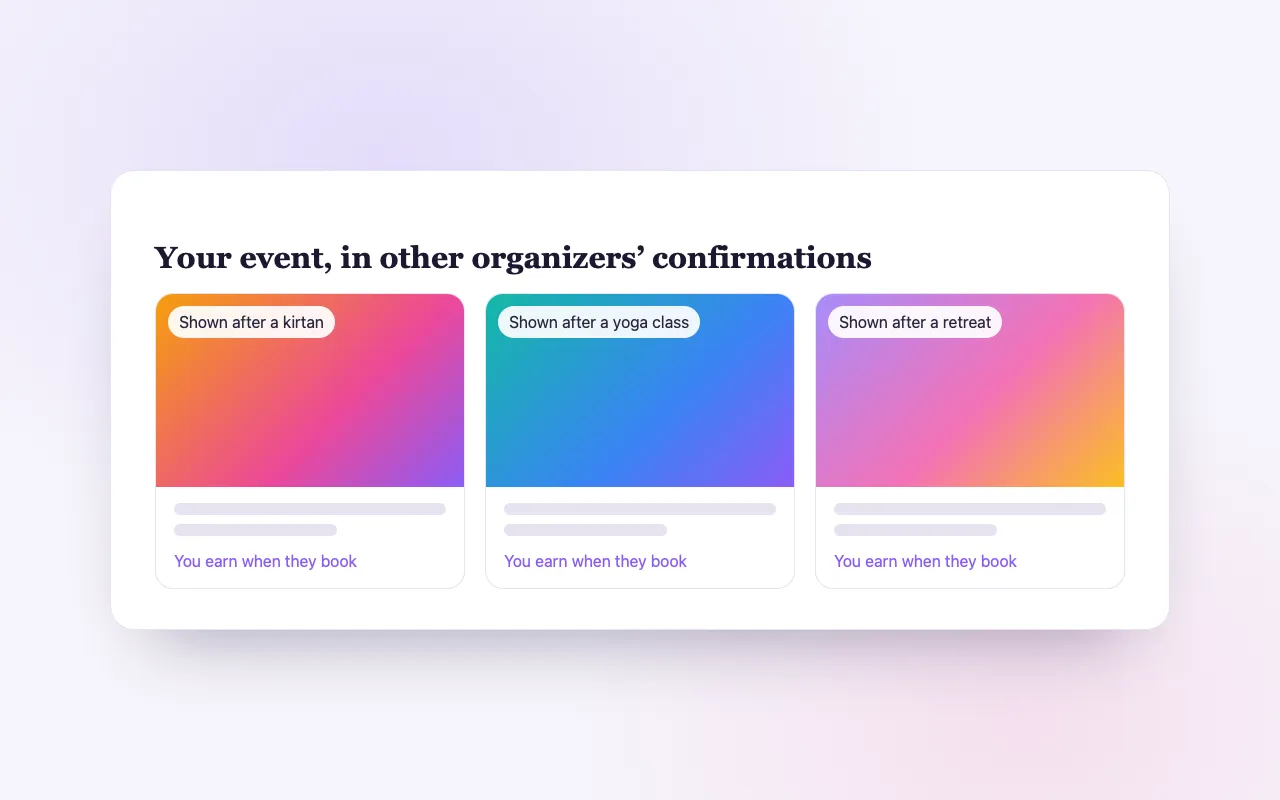
Cross-promotion without handshake deals
Reach buyers mid-purchase
Your event is offered to people already checking out for something similar.
You set the commission
Choose what you pay the organizer whose cart sold your ticket.
Paid after the event
Commissions are held until your event takes place, so refunds are covered.
How it works
Opt in
Turn on the network and set your commission.
Your event is offered
In other organizers’ checkouts, beside similar events.
Everyone grows
You sell a ticket; the surfacing organizer earns the commission.
Loved by artists and organizers
“BrightStar begleitet meine Konzerte seit dem allerersten Anfang meiner Karriere und hat entscheidend dazu beigetragen, mein Publikum wachsen zu lassen. Die Treue und Hingabe gegenüber Künstlern wie Veranstaltern ist ebenso vorbildlich wie die Professionalität.”

Snatam KaurGrammy-Nominierte (Kundin seit 2005)
“BrightStar ist ein enger Freund und Verbündeter von The Shift Network und war für die Sichtbarkeit unserer Programme von unschätzbarem Wert. Uns verbinden spirituelle Werte, die den Menschen aufrichten wollen. BrightStar vereint professionelles Marketing-Können mit einem Service, der vom Herzen kommt.”

Philip HellmichDirector of Peace, The Shift Network (Kunde seit 2012)
“Seit fast zwei Jahrzehnten stellt Akal (Inhaber von BrightStar) sein Können in den Dienst der Bhakti-Bewegung. Seine Plattform dient unserer Bewegung auf einzigartige Weise — mit Echtheit und Herz. Und die Technik rockt auch!”

Jai UttalGrammy-Nominierter (Kunde seit 2014)
Questions organizers ask
When do commissions pay out?
After your event date. A refund before then reverses the commission.
Can I opt out?
Yes, any time. Commissions on sales already made still pay out after the event.
Where do I see the results?
In the Upsells report, which lists each cross-organizer sale and its commission.
Mehr lesen
Selling through each other’s checkouts
Organizers in this field share an audience. The person booking a breathwork evening this week is quite likely to want a sound bath next month, held by someone else. Usually the two hosts never benefit from that overlap. The Upsell Affiliate Network lets them. Your event can be offered inside another organizer’s checkout, to a buyer who is already paying for something related, and that organizer earns a commission you have set when the buyer adds your ticket.
How it looks to the buyer
While checking out for one event, the buyer is shown a small number of other events they might add. If they choose yours, your ticket goes into the same order and is paid for in the same payment. They receive their tickets for both. From their side it is simply a convenient suggestion at a good moment.
How it works for you as the seller
You opt your event in and set the commission you are willing to pay for a sale made this way. Your event then becomes eligible to be offered in other organizers’ checkouts. When a ticket is sold there, it is your ticket: the guest is on your guest list, receives your confirmation and reminders, and is scanned at your door.
How it works for you as the host of the cart
The network runs in both directions. When your buyers add another organizer’s event in your checkout, you earn the commission that organizer set. It is income from a moment you created, at no cost to your own sale: the buyer still buys your ticket.
When commissions are paid
A commission is not paid at the moment of sale. It is held until the event that was sold has taken place. If the ticket is refunded before then, the commission is reversed. This protects the selling organizer from paying for a guest who cancelled, and it keeps the arrangement fair without anyone having to chase money.
Where the money moves
Each organizer’s ticket revenue goes to that organizer’s own Stripe account, as always. The commission is a separate amount, recorded on the sale and settled after the event date through Stripe.
You can stop at any time
Opting out removes your event from other organizers’ checkouts from then on. Commissions on sales that were already made are still paid after the event, since those sales happened under the terms you set.
Seeing the results
The Upsells report lists each cross-organizer sale with its commission: the tickets of yours that were sold through someone else’s cart, and the tickets of others that were sold through yours.
How this differs from the other tools
Three tools sit close together. Upsells and Add-ons promote your own extras and your own next events to your buyers. The Event Upsell Network shows fitting events from other organizers on confirmation pages and in emails, without commission. The Upsell Affiliate Network is the one where an event is added inside another organizer’s cart and a commission is paid. And the Affiliate Engine pays individual promoters who share a link. They can all be used on the same event.
Setting a commission
Think of the commission as the cost of a new guest you would not otherwise have met. It should be enough to make another organizer glad to show your event, and comfortable within your margin. Because it is only paid on completed sales that were not refunded, it is a cost you incur only when it has worked.
Which events suit it
Events with broad appeal and room to grow benefit most: concerts, festivals, workshops open to beginners. A small circle that fills from your own community does not need it. An application-only training is not suited to being added to a cart on impulse.
Trust between organizers
The network replaces informal arrangements, such as mentioning each other’s events in newsletters, with something recorded and settled automatically. Neither side needs to track anything or send an invoice.
What it does not promise
We do not promise how often your event will be offered or how many tickets it will sell this way. That depends on which related events are on sale at the same time and whether their buyers find yours appealing.
Where it is included
The Upsell Affiliate Network is part of Elevate and Amplify.
An example
A yoga studio sells places for a weekend workshop. In its checkout, buyers are offered a kirtan concert by a different organizer the following Friday. Three of them add it. The concert’s organizer has three new guests she did not have to find, and after the concert has taken place the studio receives the commission she set for those three tickets. Next month the roles are reversed.
Fairness between organizers
Because each selling organizer sets their own commission, nobody is bound to terms they did not choose. Because the commission waits for the event to happen, nobody is paid for a guest who was refunded. And because both sides see the same record in their Upsells report, there is nothing to dispute afterwards.
Start small
Opt in one event with broad appeal and a commission you are comfortable with, and look at the Upsells report after it has taken place. If it brought guests you would not otherwise have met, extend it to others.
Abandoned Cart Recovery
When someone starts checkout and leaves, BrightStar follows up with warm reminder emails that bring them back to the tickets they chose.
Funktion ansehen →Visitor Recovery
When someone is about to leave your event page, a gentle invitation saves their interest, and timely reminders follow.
Funktion ansehen →Upsells & Add-ons
Offer the extras that make the experience complete in checkout, and invite buyers to your next event after they book.
Funktion ansehen →Affiliate Engine
After booking, every buyer is invited to get their own share link. When a friend buys through it, they earn the commission you set, and you fill more seats.
Funktion ansehen →Brand Ambassador
Wenn deine Events etwas in Menschen entzünden – wenn Teilnehmende mit dem Wunsch nach Hause gehen, eigene Erlebnisse zu schaffen – dann ist dieses Programm für dich.
Funktion ansehen →Ticket Categories
Group your ticket types into clear categories, so buyers see the shape of your event and find their ticket fast.
Funktion ansehen →See allThere is more to see.